
View My Data
See exactly what data has been collected at any time via the “View my data” link to /my-data
Scribe is an intelligent home-finding assistant that observes how visitors browse your site and builds a preference profile automatically—no forms required.
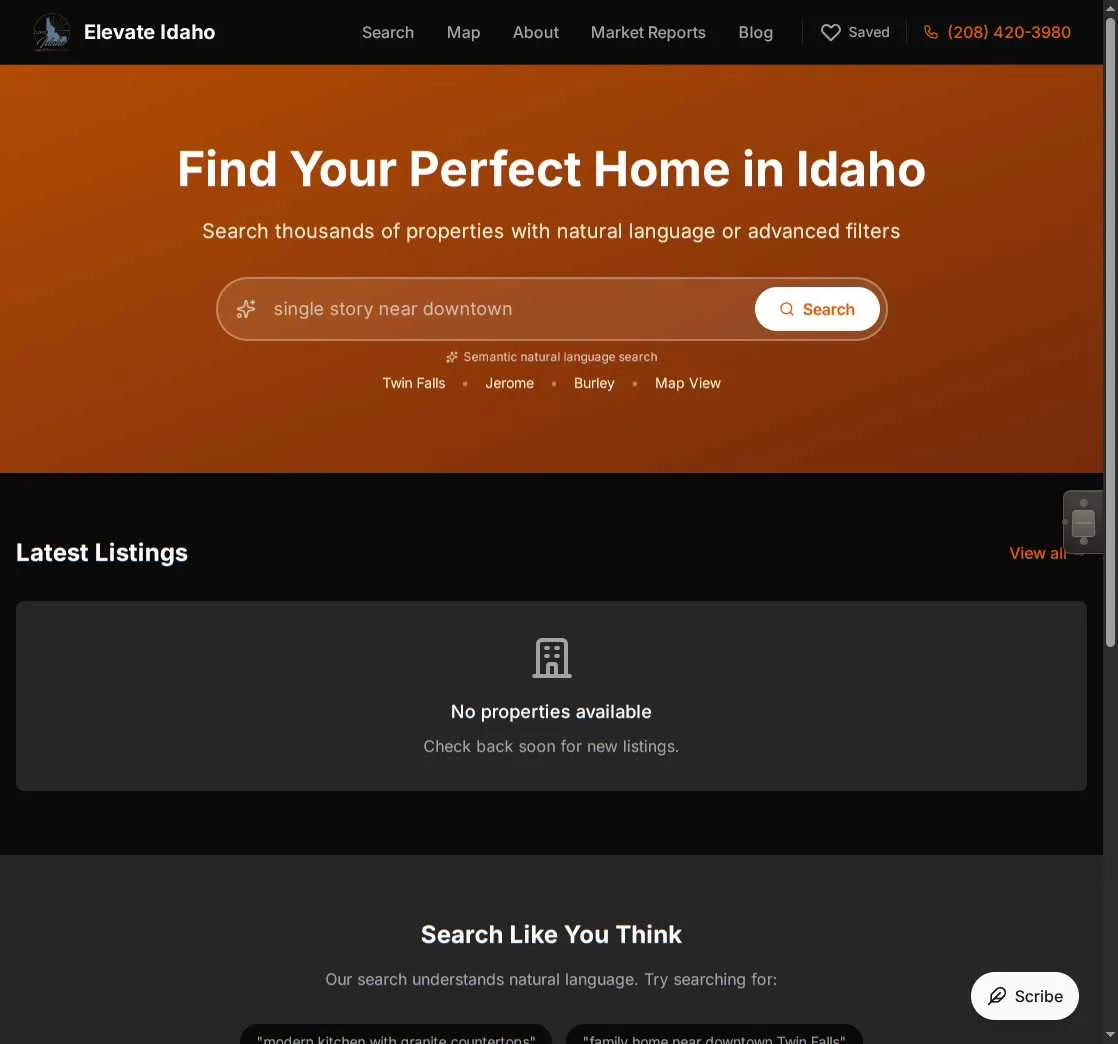
Traditional real estate sites ask visitors to fill out preference forms before they’ve even started browsing. Scribe flips this approach: it watches, learns, and only speaks up when it has something meaningful to share.
As visitors explore properties, Scribe silently learns:
Most buyers don’t know exactly what they want until they see it. They might think they need 4 bedrooms, but after browsing, realize 3 is enough if there’s a home office. They might think they want downtown, but keep gravitating to suburban neighborhoods with yards.
Scribe recognizes these patterns and surfaces them back to the visitor: “I notice you keep looking at homes in Twin Falls with 3+ bedrooms around $400k-$600k. Is that what you’re looking for?”
This creates a natural conversation that feels helpful rather than intrusive.
Scribe guides visitors through a natural progression:
The assistant introduces itself using your brokerage branding. It shows the visitor what it has learned about their preferences and invites them to confirm or add details.
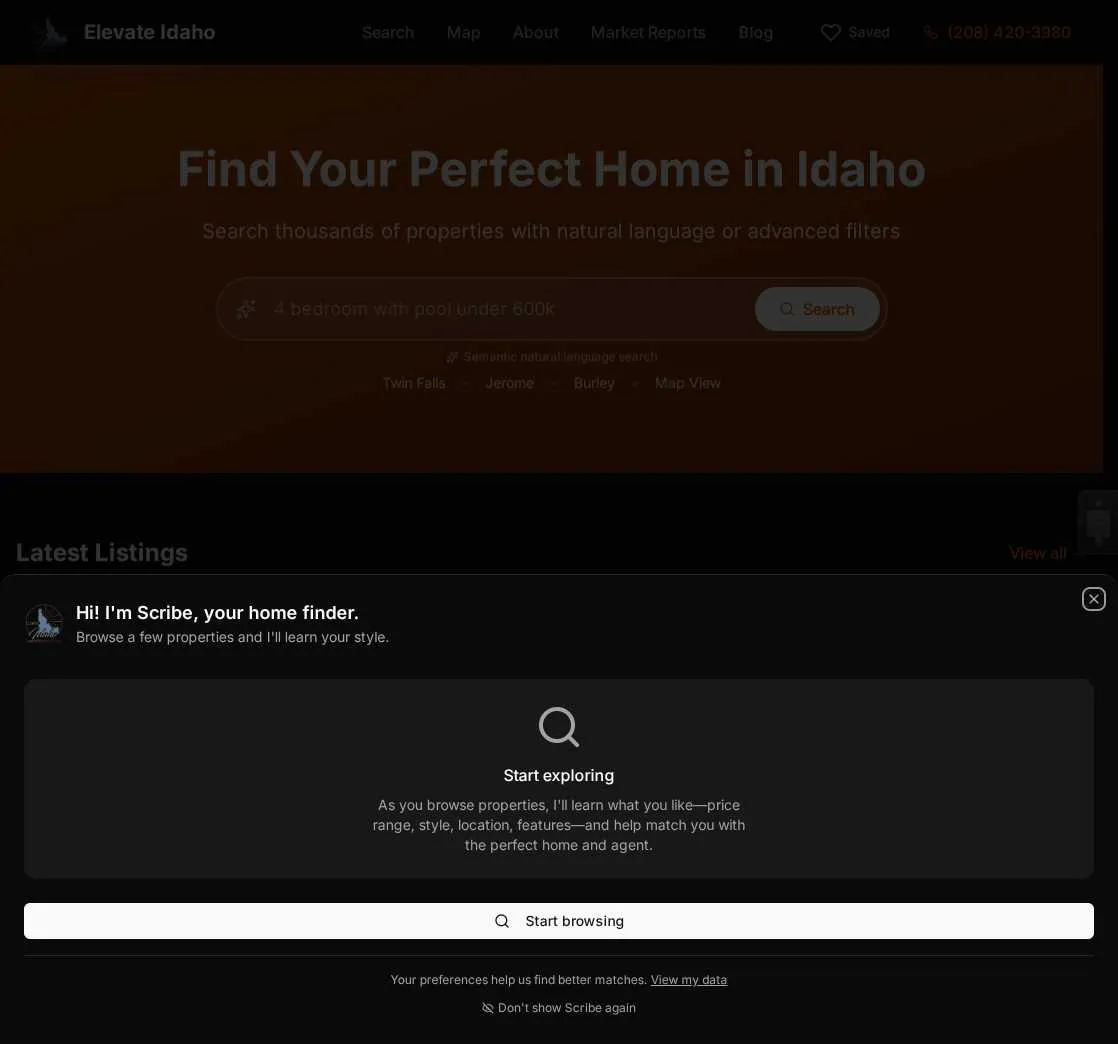
At this stage, Scribe represents your brokerage. It’s not yet tied to any specific agent.
Once preferences are confirmed, Scribe presents agents who specialize in exactly what the visitor is looking for—ranked by match score with reasons why each agent is a good fit.
This is where the magic happens: instead of making visitors choose blindly from an agent directory, Scribe says “Based on your interest in Twin Falls properties with pools, here are 3 agents who specialize in that market.”
After selecting an agent, the assistant becomes personalized to that agent. The visitor can continue refining preferences and connect directly with their chosen agent.
Now Scribe represents the specific agent-client relationship, helping both parties communicate more effectively.
Scribe is built around privacy-first principles. Unlike many real estate tools that require registration upfront, Scribe:
View My Data
See exactly what data has been collected at any time via the “View my data” link to /my-data
Temporary Dismiss
“Not now” snoozes Scribe for 24 hours (stored in browser)
Permanent Opt-Out
“Don’t show again” permanently disables Scribe for that visitor
Complete Deletion
Delete all session data entirely via the /my-data page
You can learn a lot about what someone wants without knowing who they are. Scribe builds effective preference profiles using only:
When a visitor is ready to connect with an agent, then they provide contact information—but only because they’ve already seen value from the system.
Scribe uses multiple signals to infer preferences, each weighted by engagement depth and frequency:
| Signal | What It Reveals | Confidence Range |
|---|---|---|
| Explicit filters | Direct user intent | 95% (highest) |
| Return visits | Strong interest in specific properties | 90% |
| Properties viewed | Price range, size, property type | 30-85% |
| Photo engagement | Specific amenities of interest | 30-80% |
| Search queries | Location and feature priorities | 50-85% |
| Favorites saved | Strong positive preferences | 90% |
| Quick bounces | Deal-breakers and dislikes | 30-70% |
Notice the confidence ranges: Scribe doesn’t treat all signals equally. A visitor who saves a property as a favorite is sending a much stronger signal than someone who merely scrolled past it.
Scribe doesn’t appear immediately—it waits until it has meaningful data to share. The assistant becomes ready when all three conditions are met:
| Threshold | Value | Why |
|---|---|---|
| Session age | ≥10 minutes | Ensures visitor is genuinely browsing |
| Properties viewed | ≥3 properties | Enough data to detect patterns |
| Average confidence | ≥50% | Preferences are reliable enough to show |
Until these thresholds are met, the floating action button displays a “Start exploring” message encouraging visitors to browse more properties.
This patience is intentional. Showing preferences too early feels creepy. Waiting until patterns emerge feels helpful.
When a visitor confirms their preferences, Scribe compares them against all active agents using semantic matching—not just keyword matching.
Here’s the difference:
Keyword matching would say: Agent specializes in “Twin Falls, 3 bedroom, $400k-$600k” Semantic matching understands: Agent specializes in “first-time buyers in Twin Falls looking for move-in ready homes with yards”
This allows much richer, more accurate matches. An agent who doesn’t explicitly list “$500k” in their profile might still be a great match if they specialize in “affordable family homes.”
| Score | Label | Meaning |
|---|---|---|
| ≥80% | Excellent Match | Strong specialty alignment |
| ≥60% | Great Match | Good fit for preferences |
| ≥40% | Good Match | Relevant experience |
| Under 40% | Available | General availability |
The top-ranked agent gets a “Best Match” badge, but Scribe shows up to 3 agents so visitors have choice.
Scribe is only as good as the agent data it has to work with. If agents write generic profiles like “I sell homes in Idaho,” the matching won’t be very effective.
But when agents describe their specialties clearly:
“I specialize in helping first-time buyers find affordable homes in Twin Falls and Jerome. I know the school districts, the neighborhoods with the best yards, and how to negotiate in competitive markets.”
…then Scribe can make truly excellent matches.
The better your agents describe their specialties, the better Scribe can match visitors.
When a visitor converts (submits contact form, requests tour, etc.), their session data synchronizes to your CRM automatically:
| Session Data | Client Field | Condition |
|---|---|---|
| Price preferences | budget_min, budget_max | Confidence ≥70% or confirmed |
| Location preferences | preferred_areas | Confidence ≥70% or confirmed |
| Property types | property_types | Confidence ≥70% or confirmed |
| Bedroom preferences | beds_min | Confidence ≥70% or confirmed |
| Freeform notes | notes (appended) | Always |
| Assigned agent | assigned_agent_id | Always |
This means agents see the visitor’s preferences immediately in the CRM without manual data entry. No more “What are you looking for?” — they already know.
While “Scribe” is the default name, you can customize it to match your brand (e.g., “HomeBot”, “PropertyPal”). The assistant name is configurable per brokerage.
Scribe is controlled via the brokerage features configuration. Toggle it in Admin → Brokerages → [Your Brokerage] → Features.