
Roles and Permissions
HomeStar uses role-based access control (RBAC) to manage user permissions.
Role Comparison
Section titled “Role Comparison”| Capability | Agent | Broker | Admin |
|---|---|---|---|
| Listings | |||
| View own listings | ✓ | ✓ | ✓ |
| View all listings | − | ✓ | ✓ |
| Edit own listings | ✓ | ✓ | ✓ |
| Edit team listings | − | ✓ | ✓ |
| Import/export listings | − | − | ✓ |
| Leads | |||
| View assigned leads | ✓ | ✓ | ✓ |
| View all leads | − | ✓ | ✓ |
| Respond to leads | ✓ | ✓ | ✓ |
| Reassign leads | − | ✓ | ✓ |
| Export lead data | − | ✓ | ✓ |
| Tours | |||
| View scheduled tours | ✓ | ✓ | ✓ |
| Manage own tours | ✓ | ✓ | ✓ |
| View all tours | − | − | ✓ |
| Configure tour settings | − | − | ✓ |
| Profile & Settings | |||
| Edit own profile | ✓ (approval) | ✓ (approval) | ✓ |
| Approve profile changes | − | ✓ | ✓ |
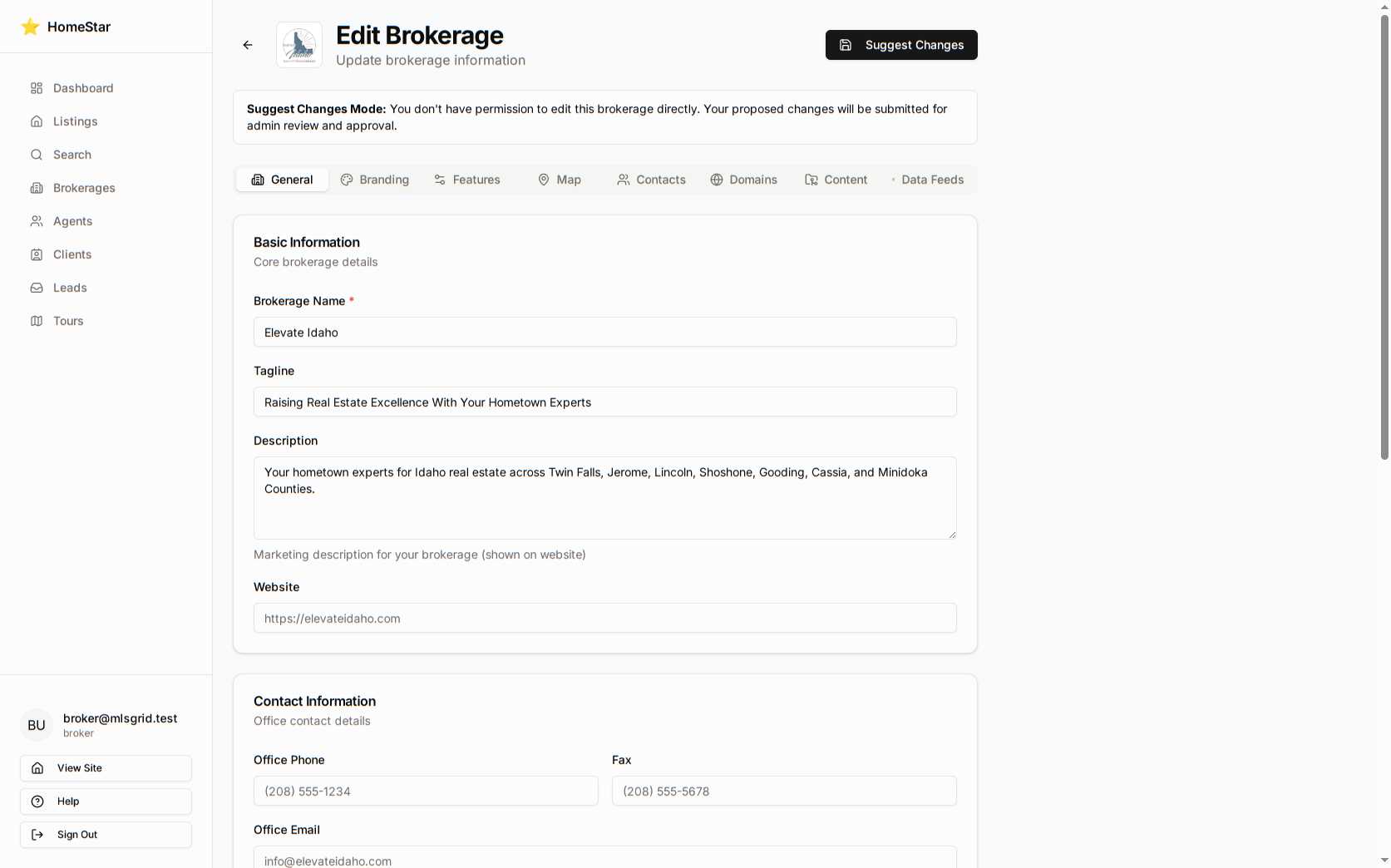
| Edit brokerage settings | − | ✓ (approval) | ✓ |
| Approve brokerage changes | − | − | ✓ |
| Team Management | |||
| View team members | − | ✓ | ✓ |
| Add/remove team members | − | ✓ | ✓ |
| Assign agents to listings | − | ✓ | ✓ |
| View team reports | − | ✓ | ✓ |
| System Administration | |||
| User management | − | − | ✓ |
| API key management | − | − | ✓ |
| Data imports/exports | − | − | ✓ |
| System configuration | − | − | ✓ |
| Audit logs | − | − | ✓ |
Role Descriptions
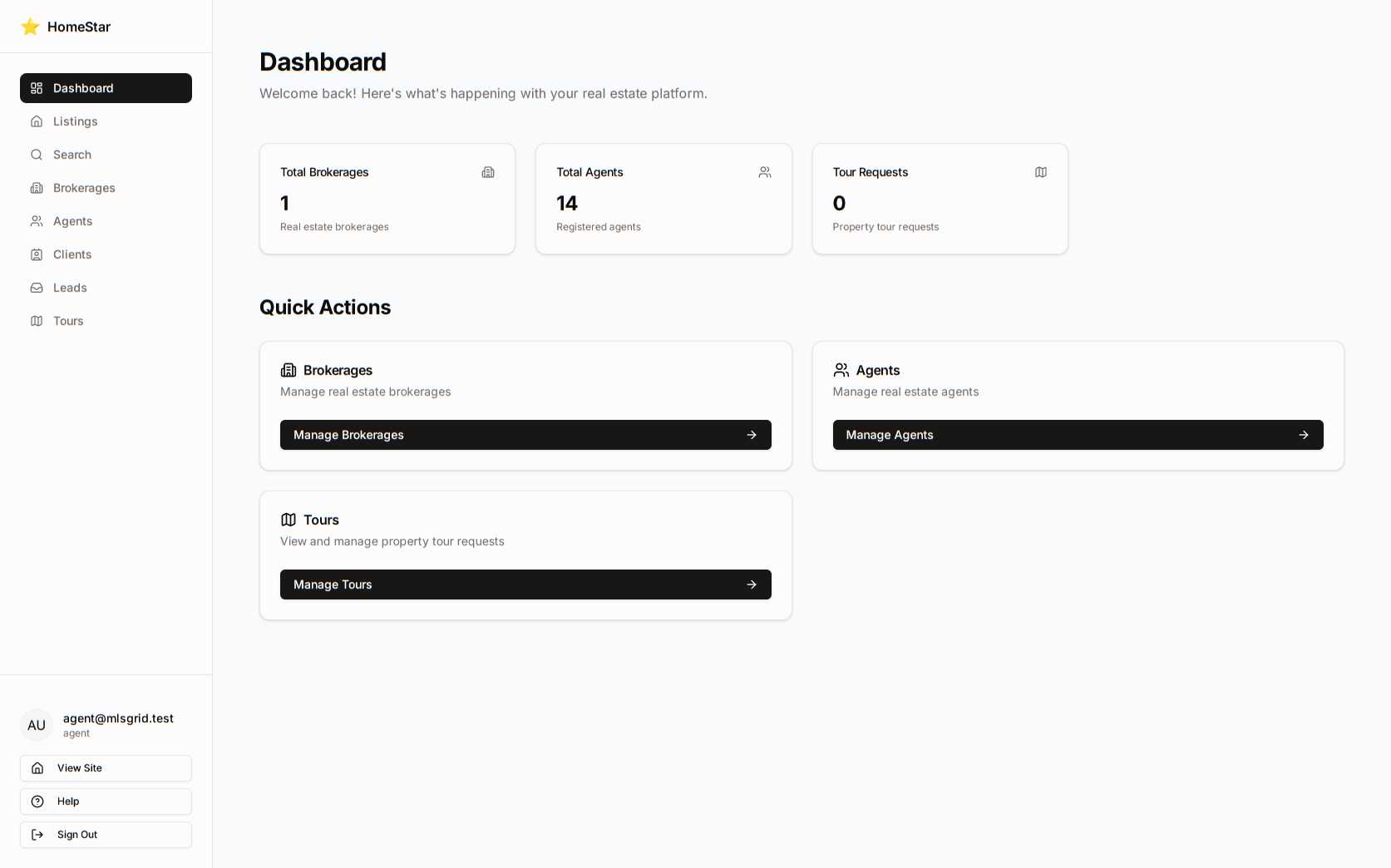
Section titled “Role Descriptions”Standard role for real estate professionals managing their own listings and leads.
Dashboard: Shows personal listings, assigned leads, and scheduled tours.
Approval workflow: Profile changes require broker approval before going live.
Screenshot: Agent dashboard view
Broker / Team Lead
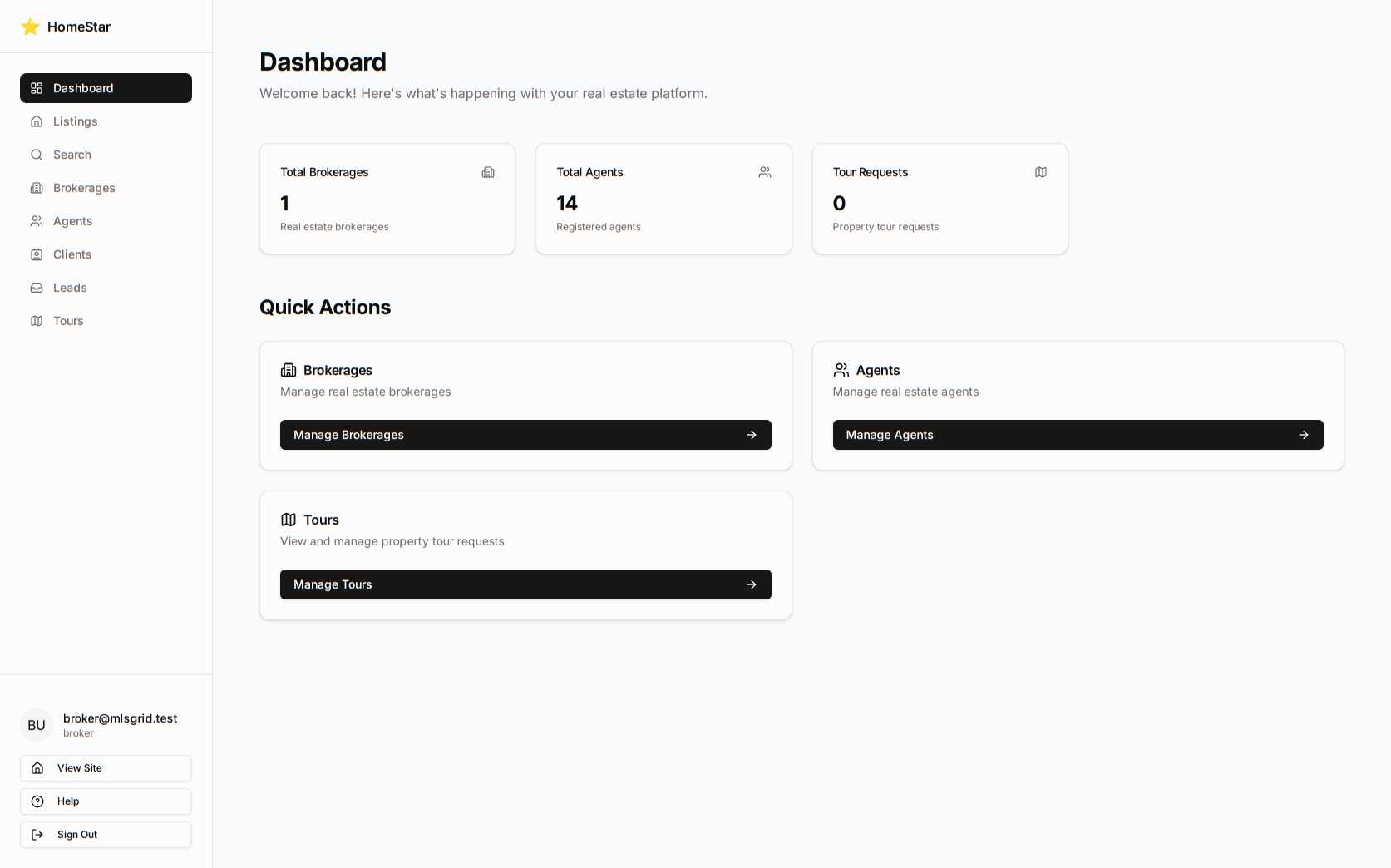
Section titled “Broker / Team Lead”For brokerage owners and team leaders managing multiple agents.
Dashboard: Shows team-wide metrics, all listings, and team member activity.
Approval workflow: Can approve agent profiles; brokerage setting changes require admin approval.
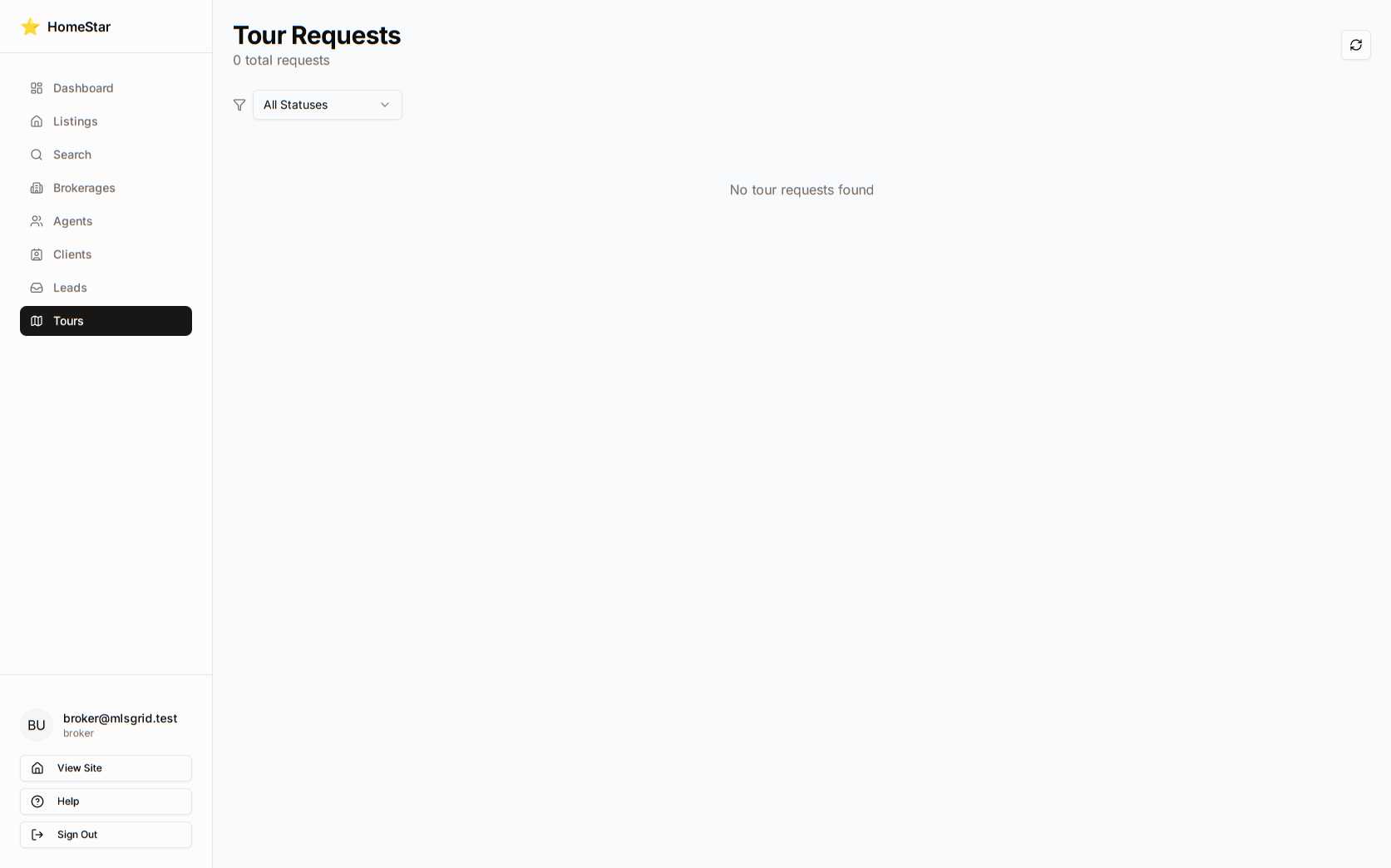
Restrictions: Cannot access admin-only sections like Tours configuration or API management.
Screenshot: Broker dashboard view
Administrator
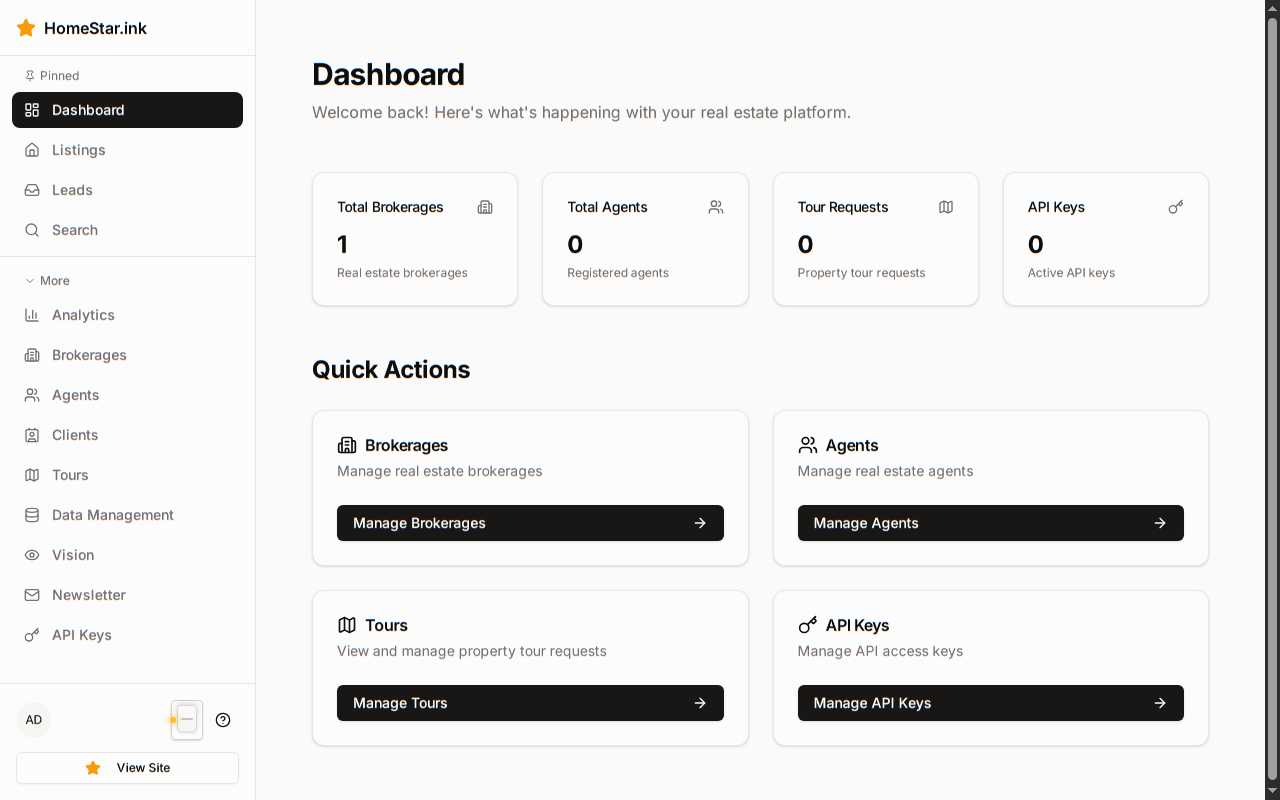
Section titled “Administrator”Full system access for platform administrators and support staff.
Dashboard: Shows system-wide metrics, all users, and configuration options.
Direct edit access: No approval workflows; changes take effect immediately.
Screenshot: Admin dashboard view
Approval Workflows
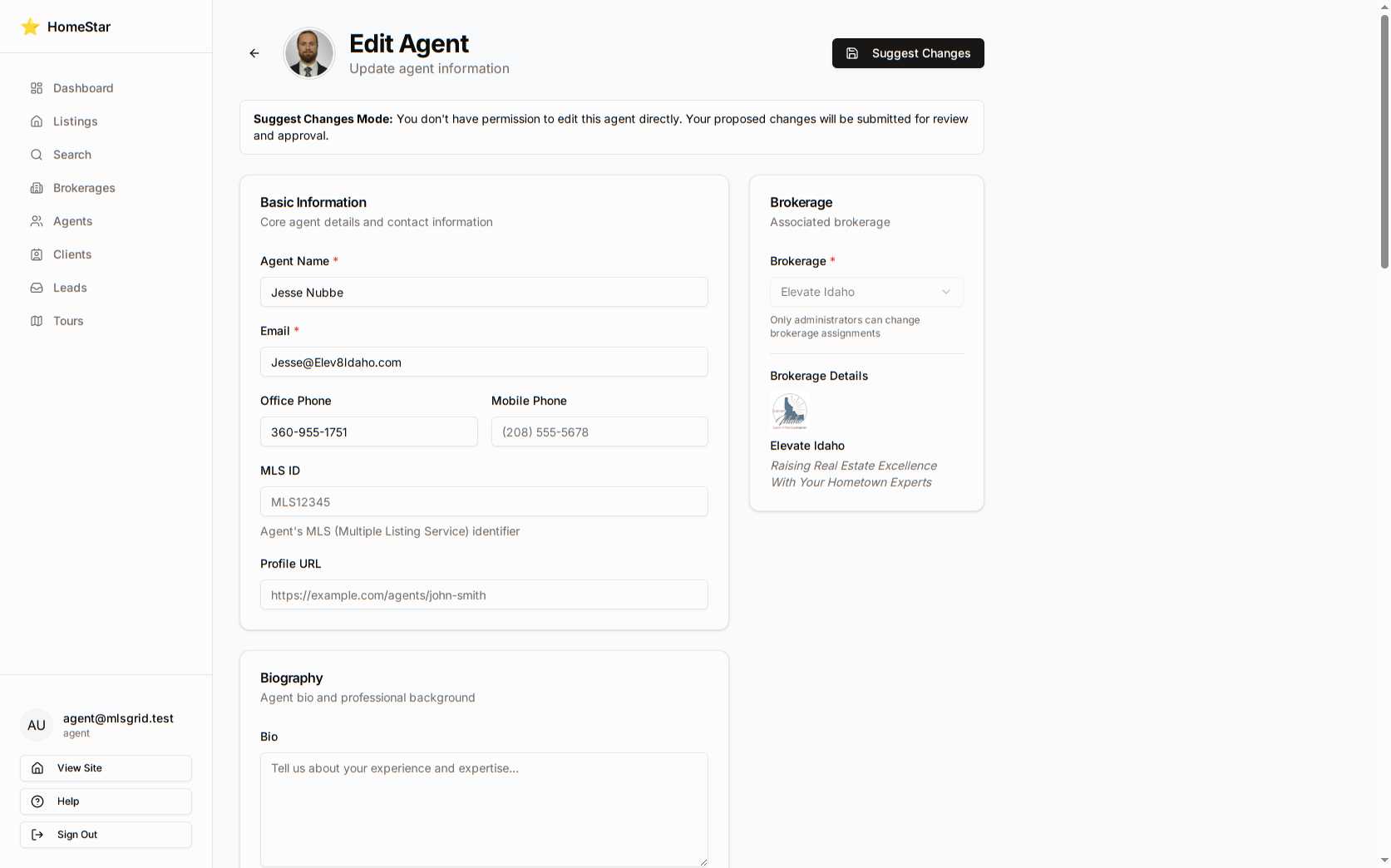
Section titled “Approval Workflows”Agent Profile Changes
Section titled “Agent Profile Changes”- Agent edits profile
- Broker receives notification
- Broker reviews and approves/rejects
- Agent receives notification of decision
Suggest mode screenshot: Agent editing in suggest mode
Brokerage Setting Changes
Section titled “Brokerage Setting Changes”- Broker proposes changes to brokerage settings
- Admin receives notification
- Admin reviews and approves/rejects
- Broker receives notification of decision
Suggest mode screenshot: Broker editing brokerage settings
Permission Errors
Section titled “Permission Errors”Users attempting to access restricted areas see clear permission notices.
Example: Broker attempting to access admin-only Tours section:
Role Badges in Documentation
Section titled “Role Badges in Documentation”Throughout this documentation, badges indicate required roles for features:
- Agent — Available to all agents, brokers, and admins
- Broker — Broker and admin only
- Admin — Administrator access required
Related Reference
Section titled “Related Reference”- API Authentication — Role-based API access
- Dashboard Layout — Role-specific dashboard views